Your kitchen, kept close.
Saved recipes live on your device for offline cooking. Optional iCloud sync brings your kitchen across devices.
 SaffronLaunch updates
THE THANKSGIVING EDITION · 2026
Keep the recipes.
Make room for the gathering.
A LITTLE THANKSGIVING, BETWEEN THE PAGES
 FROM THE SAFFRON RECIPE BOX
For the favorites passed down.
And the people gathered round.
Save your recipes. Plan your meals. Bring your grocery list together.
A kitchen companion for iPhone & iPad.
02COLLECT
The handwritten stuffing recipe. The side dish a friend sent. The pie you make every year. Keep the favorites together, with room for your own notes.
01 / KEEP THE GOOD ONES
The handwritten favorite. The link a friend sent. That pasta you keep coming back to. Bring them together, add your own notes, and make a collection that tells your kitchen’s story.
04PLAN & SHOP
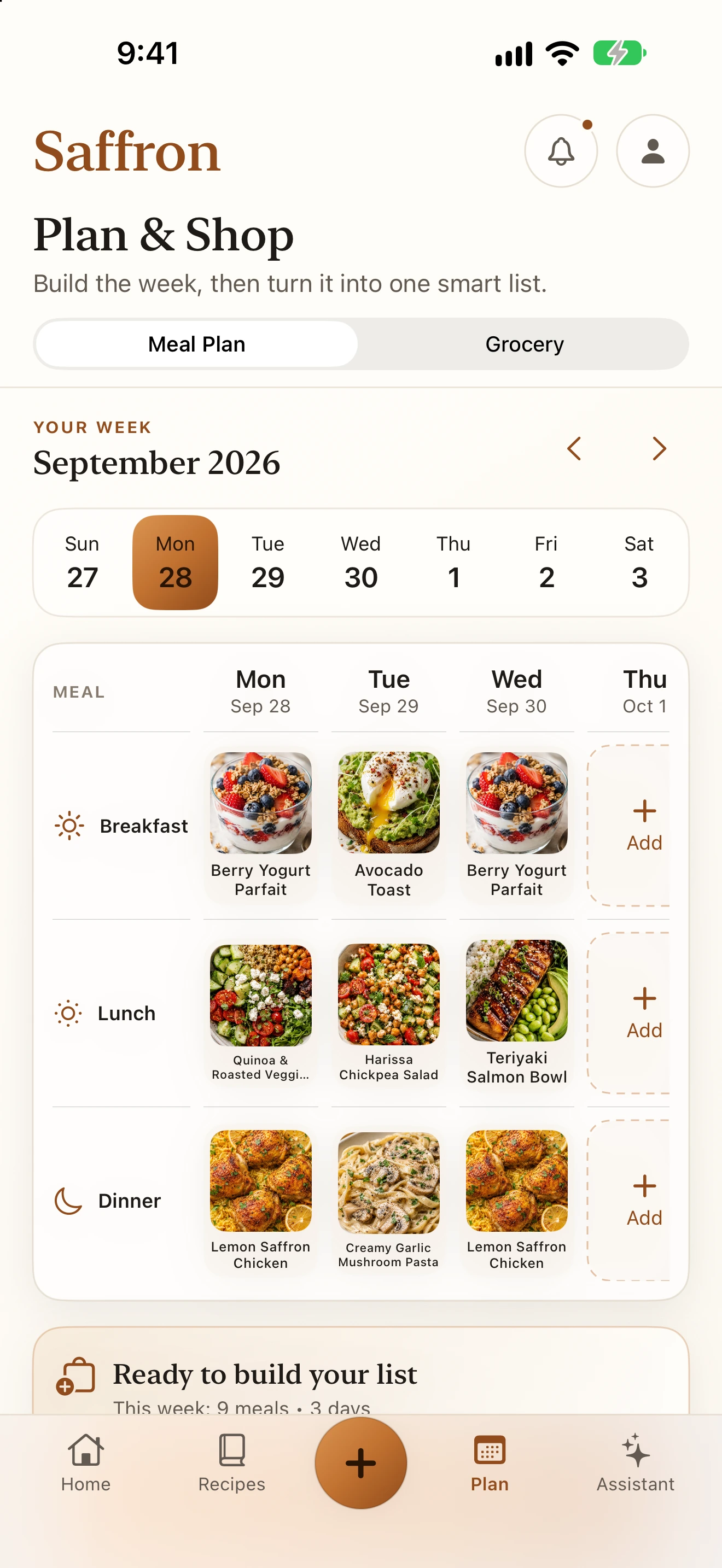
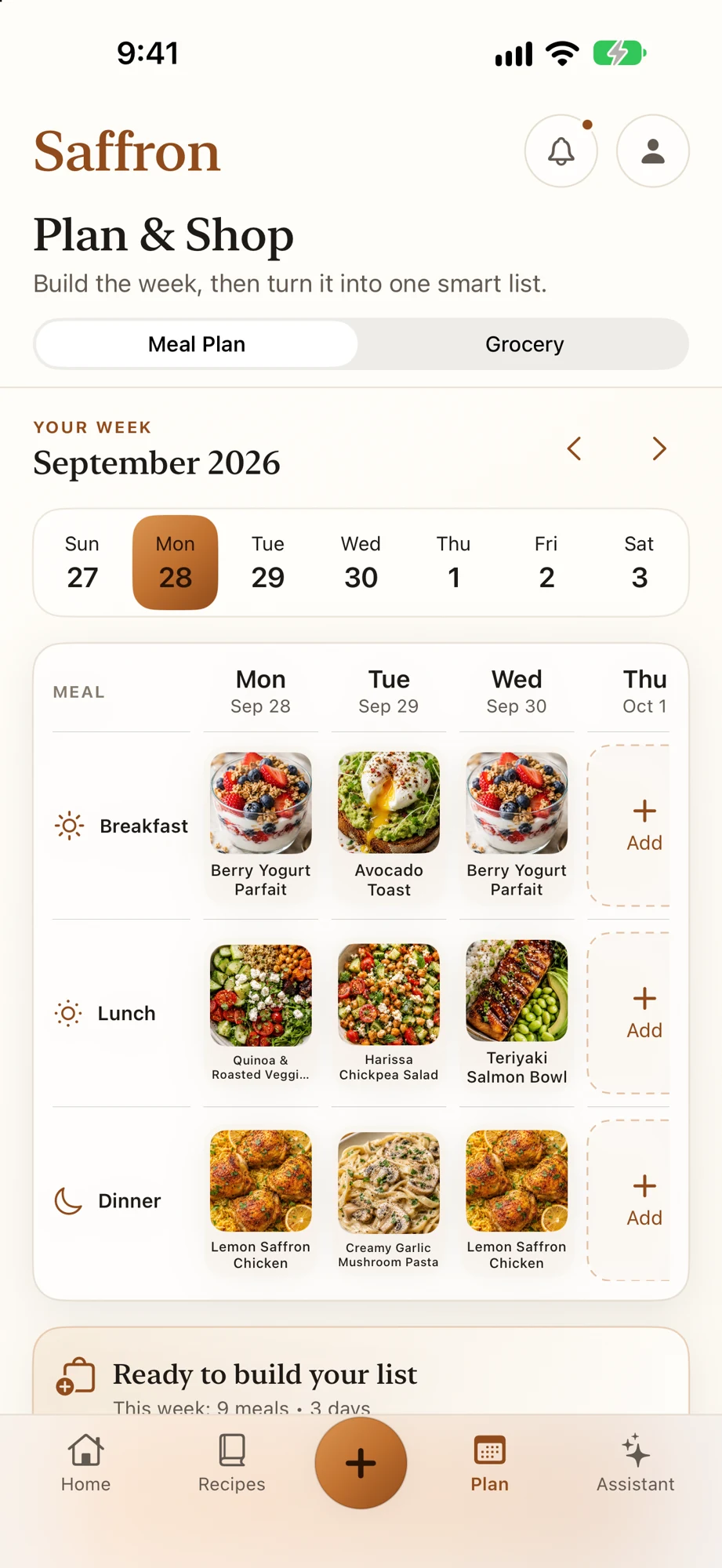
Hosting the meal or bringing a dish? Give your recipes a place in the plan, combine the groceries, and check what’s already in the pantry.
02 / GIVE DINNER A HEAD START
Give the week a shape without planning every minute. Put meals on your calendar, gather the groceries, and check what’s already waiting in the pantry.
06COOK
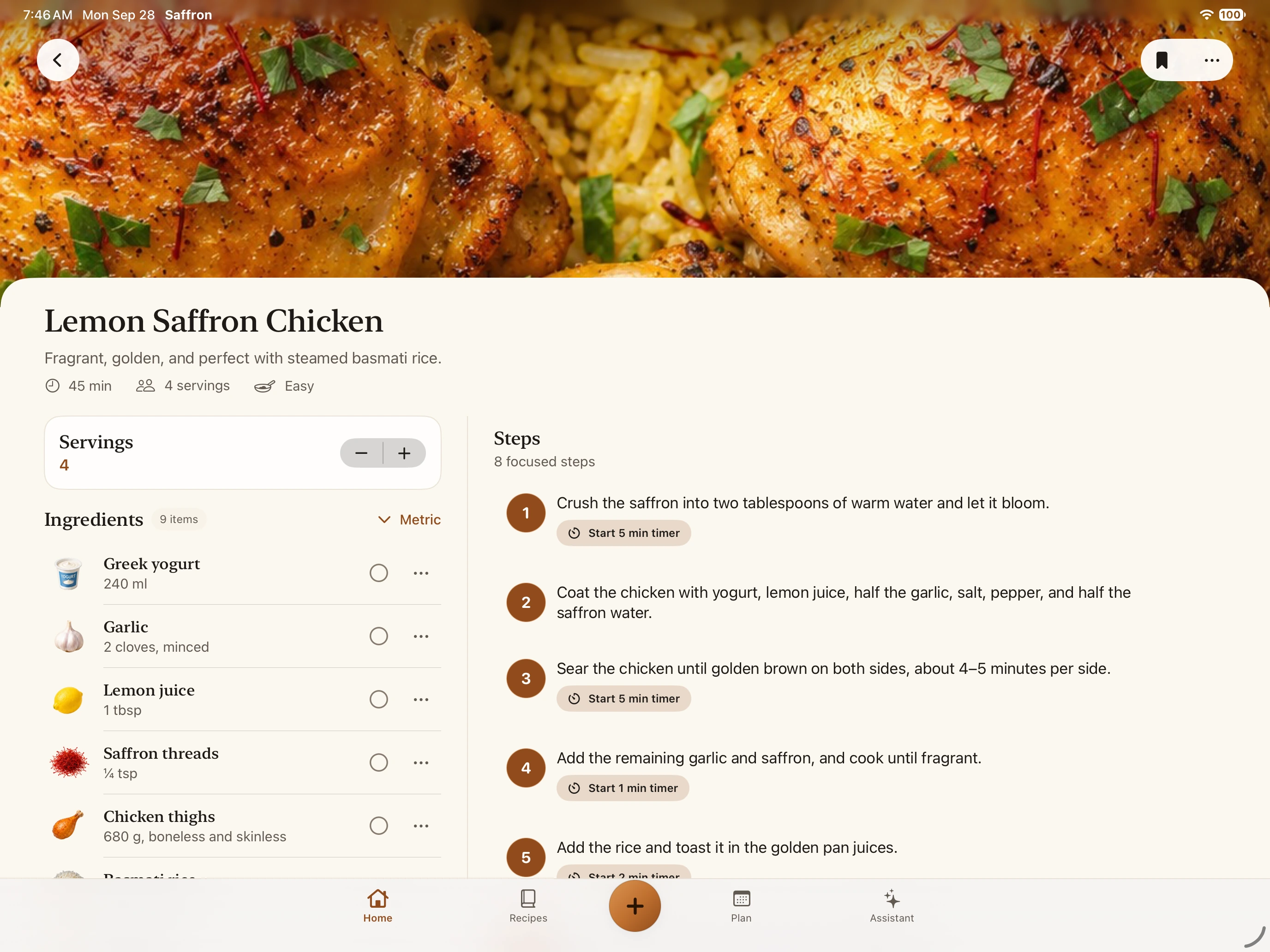
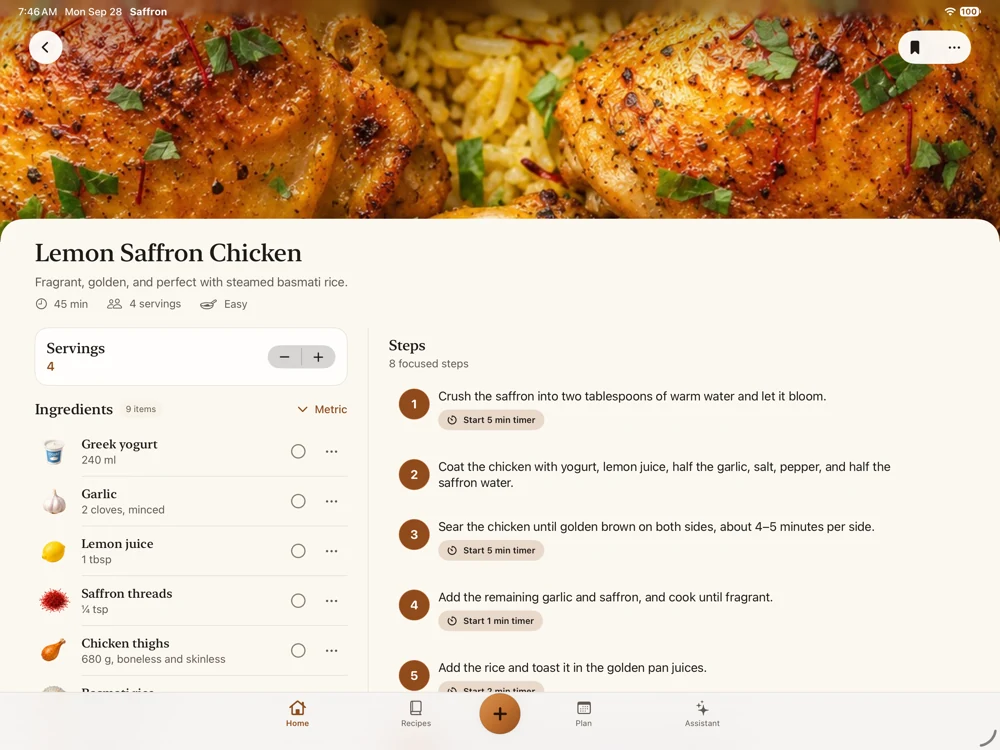
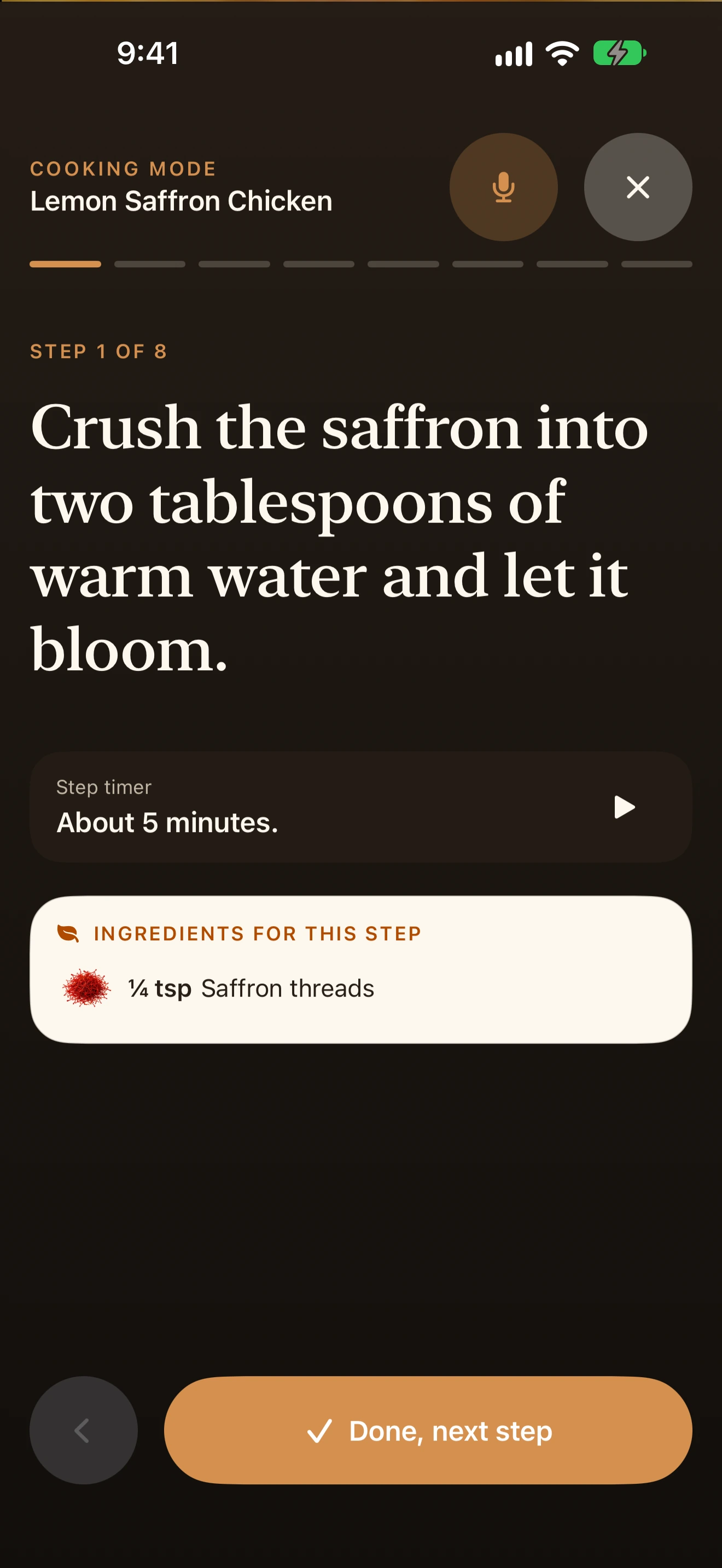
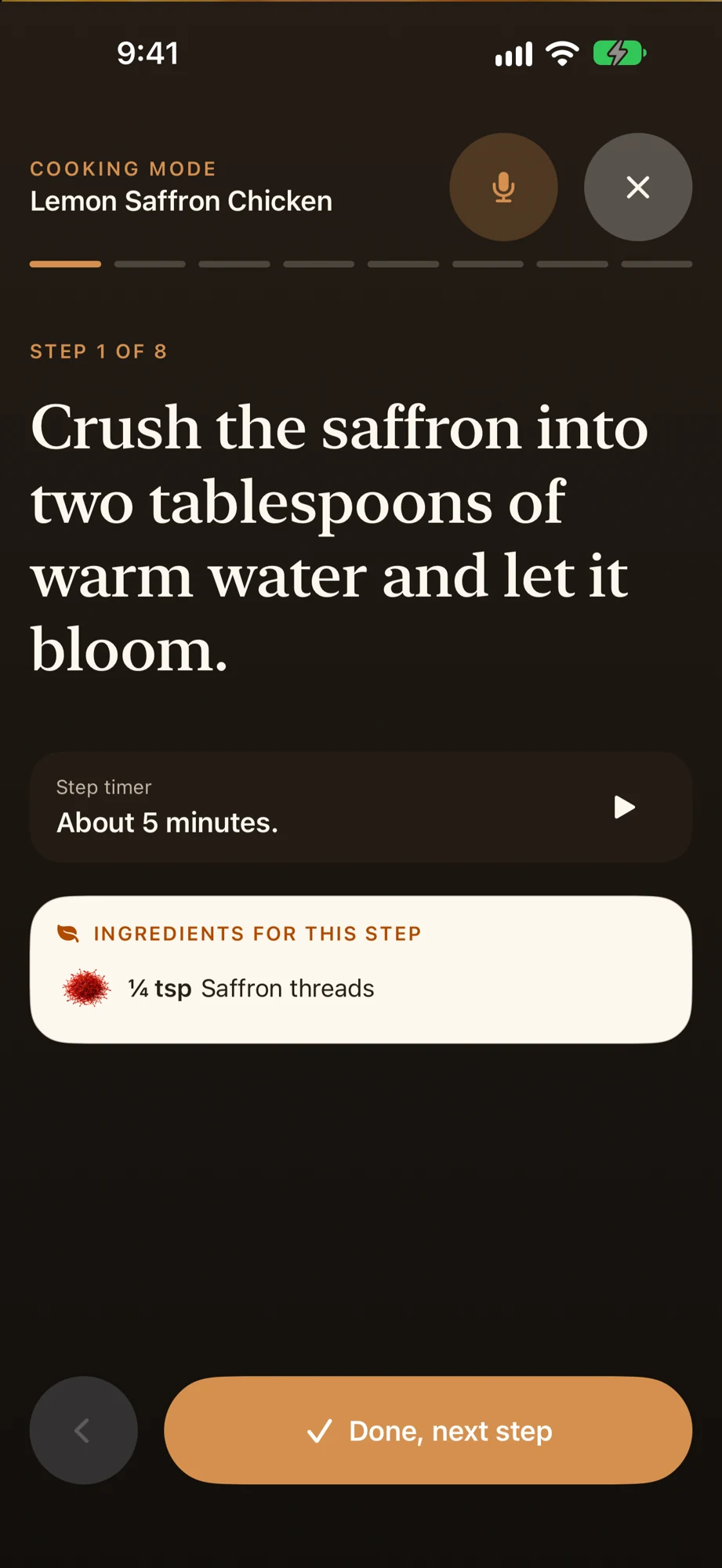
The kitchen is filling up. Your favorite dish is underway. Keep ingredients, focused instructions, and timers close while you make something worth sharing.
03 / FIND YOUR ELEMENT
Set your recipe on the counter and settle in. Focused instructions keep your place, ingredients stay close, and timers take care of the waiting.
08A HELPING HAND
A missing ingredient. An unfamiliar technique. A small change to suit your table. Keep the conversation close to the cooking.
Richer assistance uses Apple’s on-device intelligence on supported devices, with built-in cooking assistance as a fallback.
Good cooking
leaves room for
improvisation.
“What could I use instead of Greek yogurt in this marinade?”
Explore ingredient swaps01 / MAKE IT YOURS
A recipe is a starting point. Ask about an ingredient you’re missing, a different flavor, or a variation you’d like to try. Keep the recipe in the conversation so suggestions have something useful to work from.
“What could I use instead of Greek yogurt in this chicken marinade?”
An example prompt to try in SaffronA recipe can bend a little.
Tell Saffron what you have and what you’re making. A follow-up can explore another option or help you compare the tradeoffs.
02 / KEEP YOUR PLACE
Ask about the step you’re on, an unfamiliar technique, or what a cooking instruction means. When recipe context is included, the companion can work with those ingredients and directions rather than asking you to start the story again.
“What does it mean to bloom the saffron before adding it to the marinade?”
An example prompt to try in SaffronA little confidence at the counter.
Describe the part you’re unsure about. If the question is unrelated to the recipe, you can ask that too; a saved recipe is optional.
03 / COOK YOUR WAY
Let the companion know what you like, what you’re working with, and what you’d like to change. Related follow-up questions can use the conversation’s context, so a small adjustment does not have to become a brand-new explanation.
“Could we make that variation a little less spicy and keep it vegetarian?”
An example prompt to try in SaffronThe small details make it yours.
Conversation context helps with related follow-ups. Always restate critical restrictions when needed, and check ingredient labels yourself for allergies.
12THE LITTLE COMFORTS
A well-loved kitchen has its familiar comforts. Saffron brings a few of its own, from a saved recipe that’s always close to the way you like your measurements.
Thoughtful when you’re planning.
Familiar when you’re cooking.
Saved recipes live on your device for offline cooking. Optional iCloud sync brings your kitchen across devices.
An illustrated ingredient catalog, warm colors, and light and dark appearances make everyday prep feel considered.
Personal notes, flexible servings, measurement preferences, widgets, and Siri shortcuts. Small comforts, thoughtfully together.
Discover featured recipes, then save the ones you love alongside your own tried-and-true favorites.
04 / BRING YOUR FAVORITES
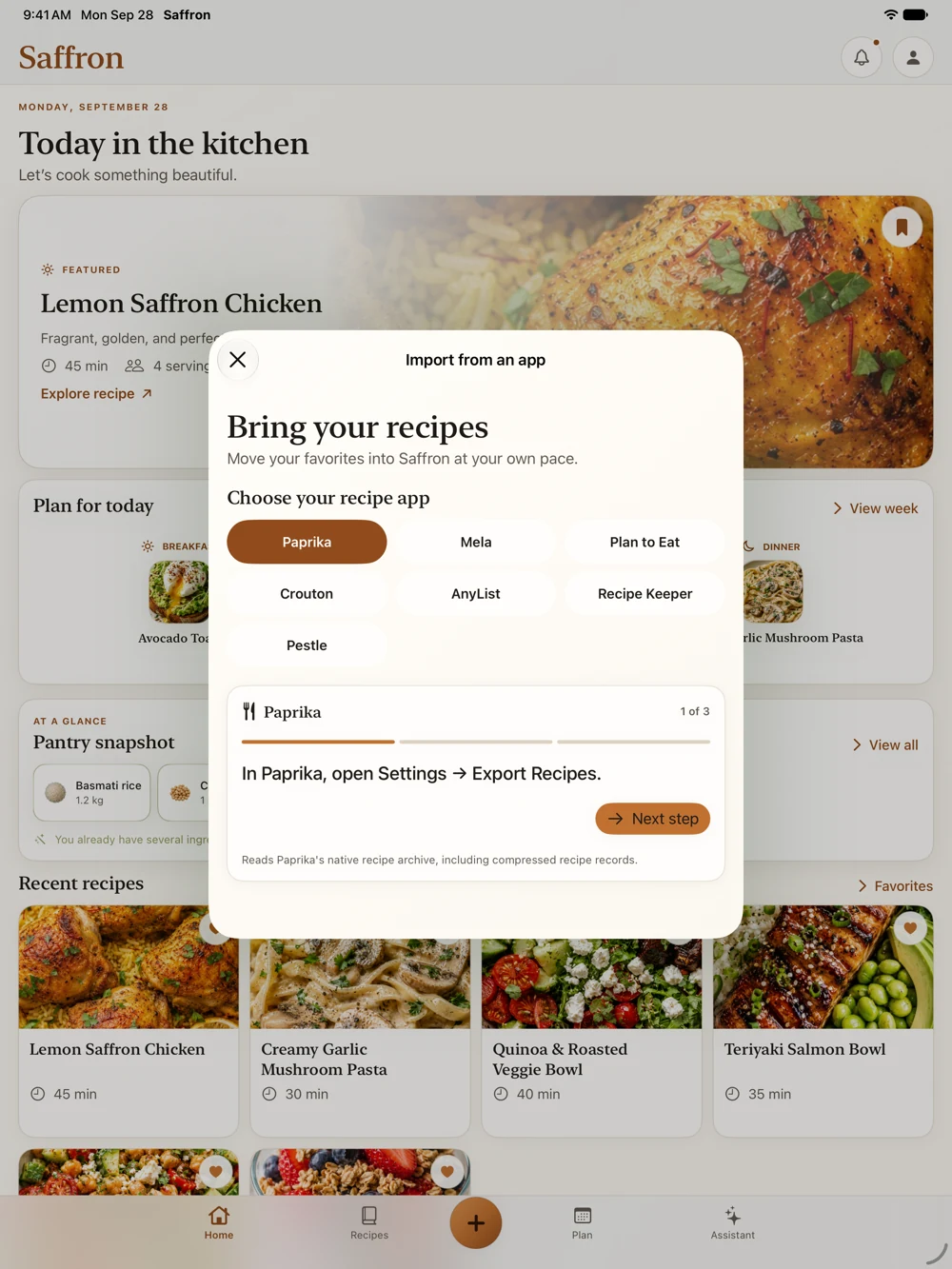
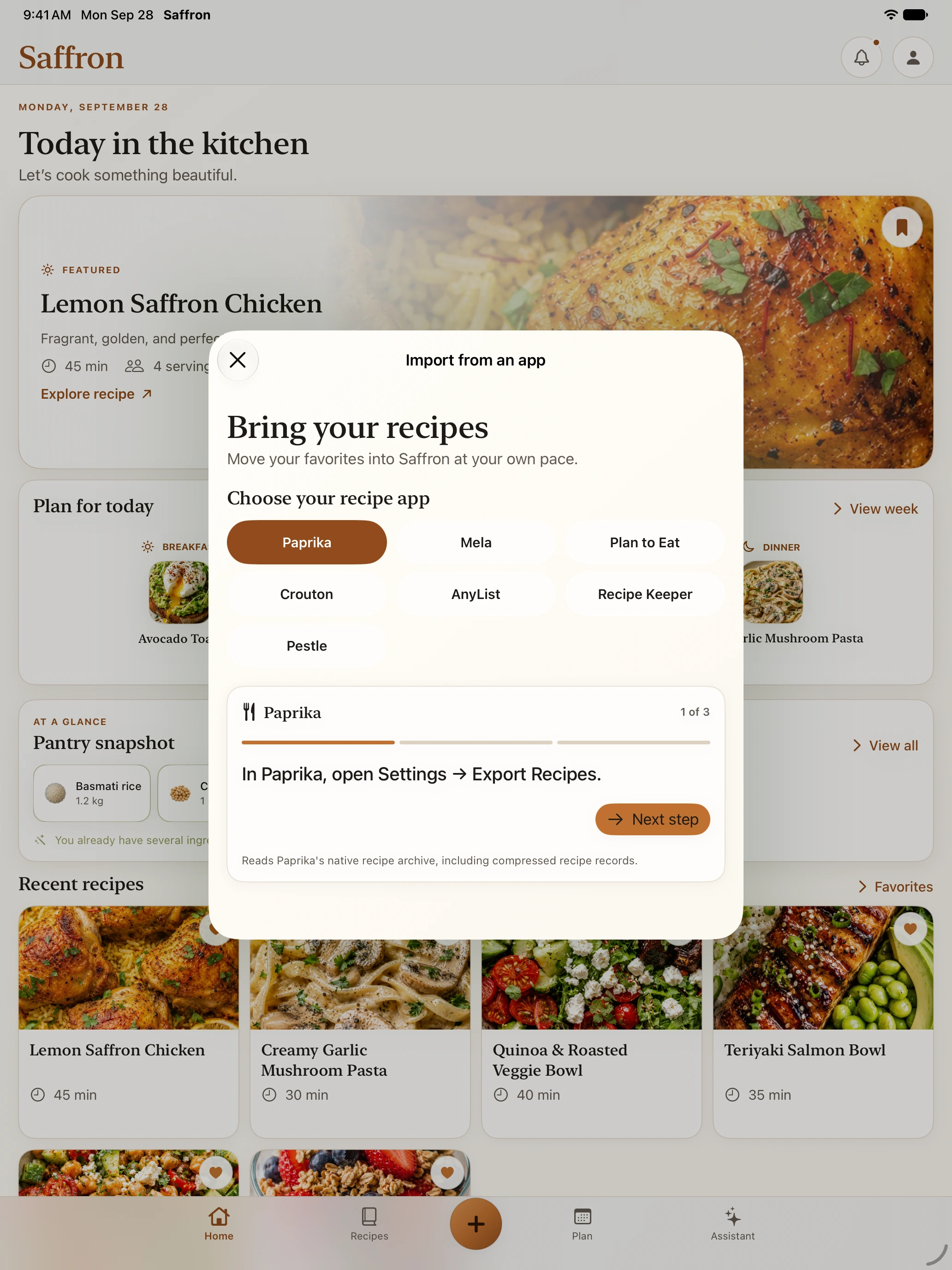
Moving your recipes should feel like opening a well-loved cookbook, not starting over. Bring in an export from your existing recipe manager, then review what you’re bringing into Saffron.
14A LOOK INSIDE
Space to spread out on iPad.
A little companion on iPhone.

15GOOD TO KNOW
A few notes about getting settled, bringing your recipes, and finding your way around.
Made for iPhone & iPad.
Saved recipes stay close, offline.
Optional iCloud sync across devices.
Open a folder for a note from our kitchen.
Saffron is built for iPhone and iPad running iOS or iPadOS 26 or later. Its layouts adapt to give your recipes room on a larger screen.
Yes. Import accessible recipe websites, shared recipe text, scan cards, read screenshots, open .saffron files, or import collections from Paprika, Mela, and Plan to Eat. You can review and edit imported recipes before saving. Private or blocked social posts may need their recipe caption shared as text.
Your saved recipe library and core planning tools live on your device. Importing websites, fetching new featured recipes, and syncing through iCloud need an internet connection.
No. Recipes, meal planning, groceries, pantry, and cooking mode work without it. On supported devices, Apple’s on-device models add richer assistant responses; devices that do not support Apple Intelligence can use optional online cooking assistance. If your supported device has Apple Intelligence turned off, Saffron helps you enable it.
Saffron is preparing for release. We’re putting the finishing touches on the app. The App Store link will be here when it’s ready. In the meantime, our kitchen inbox is open at [email protected].
16THE LAST PAGE
The recipes you love.
The gathering you’re looking forward to.
We’re putting the finishing touches on the app. The App Store link will be here when it’s ready.
For iPhone & iPad · iOS / iPadOS 26 or later.
Back to the contents↑A question, an import that needs a hand, or a small detail you’d love to see. We’d like to hear from you.
[email protected]From our kitchen to yours,